Working Hours
Use Working Hours to define the clinic schedule and breaks for each day.
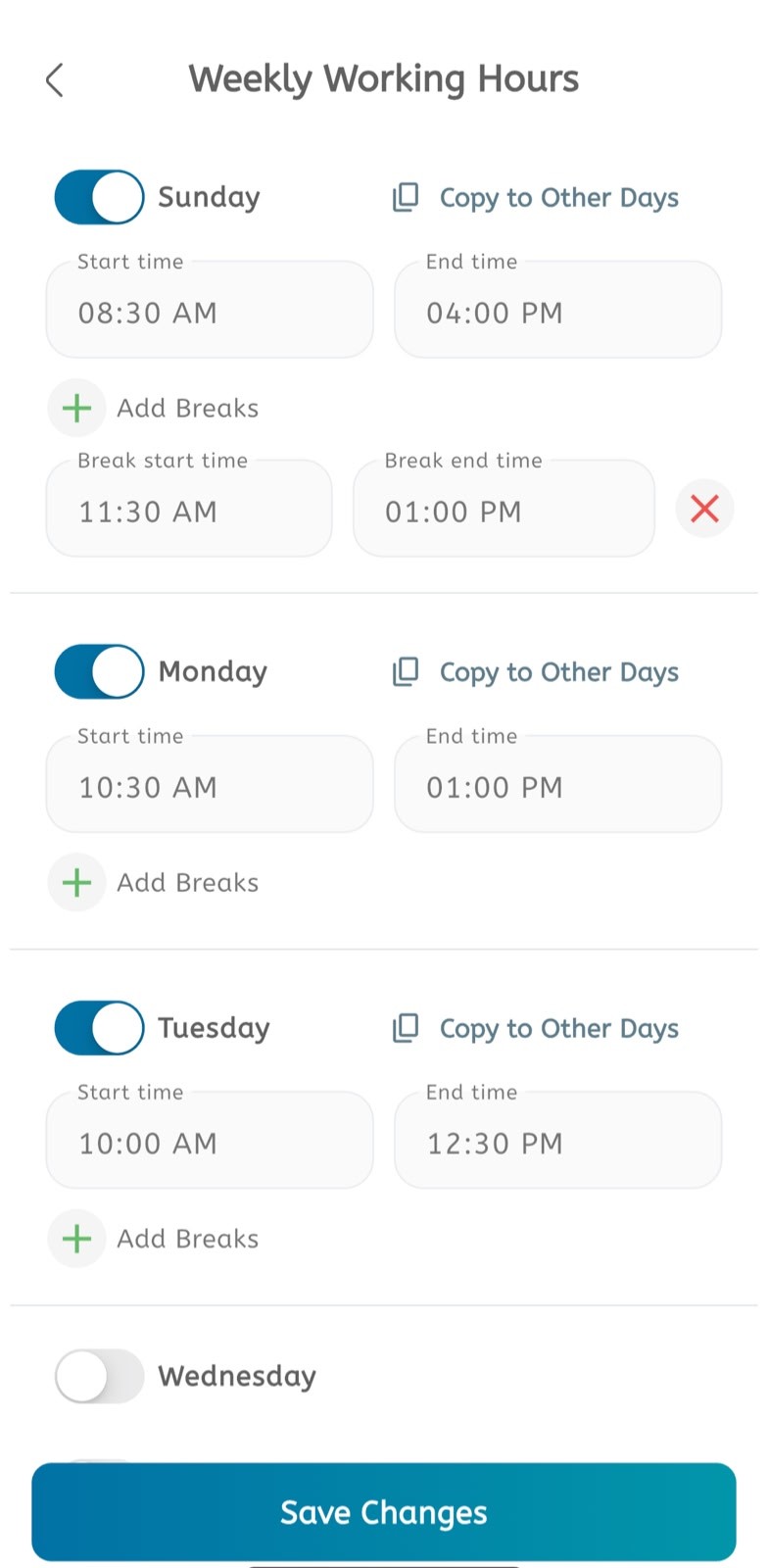
Set weekly working hours
- Open the main menu.
- Expand Calendar.
- Tap Schedules or Working Hours.
- Enable the day you want to configure.
- Enter the Start time.
- Enter the End time.
- Tap Add Breaks when the clinic is unavailable during part of the day.
- Enter the Break start time.
- Enter the Break end time.
- Use the remove icon to delete a break.
- Tap Copy to Other Days to reuse the same schedule on other days.
- Disable a day when appointments should not be available.
- Tap Save Changes.
