Quick Start
Use this page to start using Buktor Pro quickly.
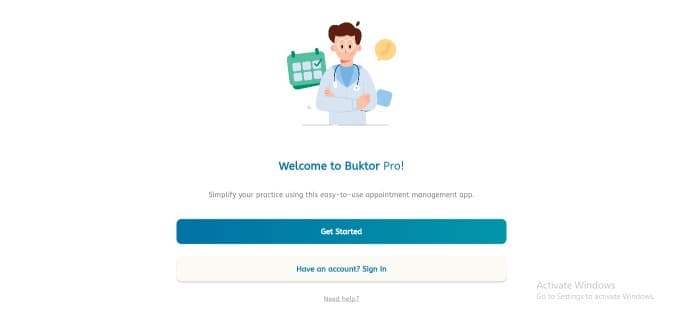
Sign in or create an account
- New users: Tap Get Started to create a new account.
- Existing users: Tap Have an account? Sign In to access your account.
- Need help: Open Need help? or visit the FAQ & Support page.
After login
After signing in or completing registration, you will land on the dashboard. From the dashboard, you can manage appointments, schedules, services, settings, notifications, and other Buktor Pro features.
Recommended next steps
- Complete your profile in Setting Up.
- Add your services in Services.
- Configure Working Hours and Holidays.
- Review Appointments and Token Calling.
