Reminder Log
Use Reminder Log to review successful and failed reminder messages.
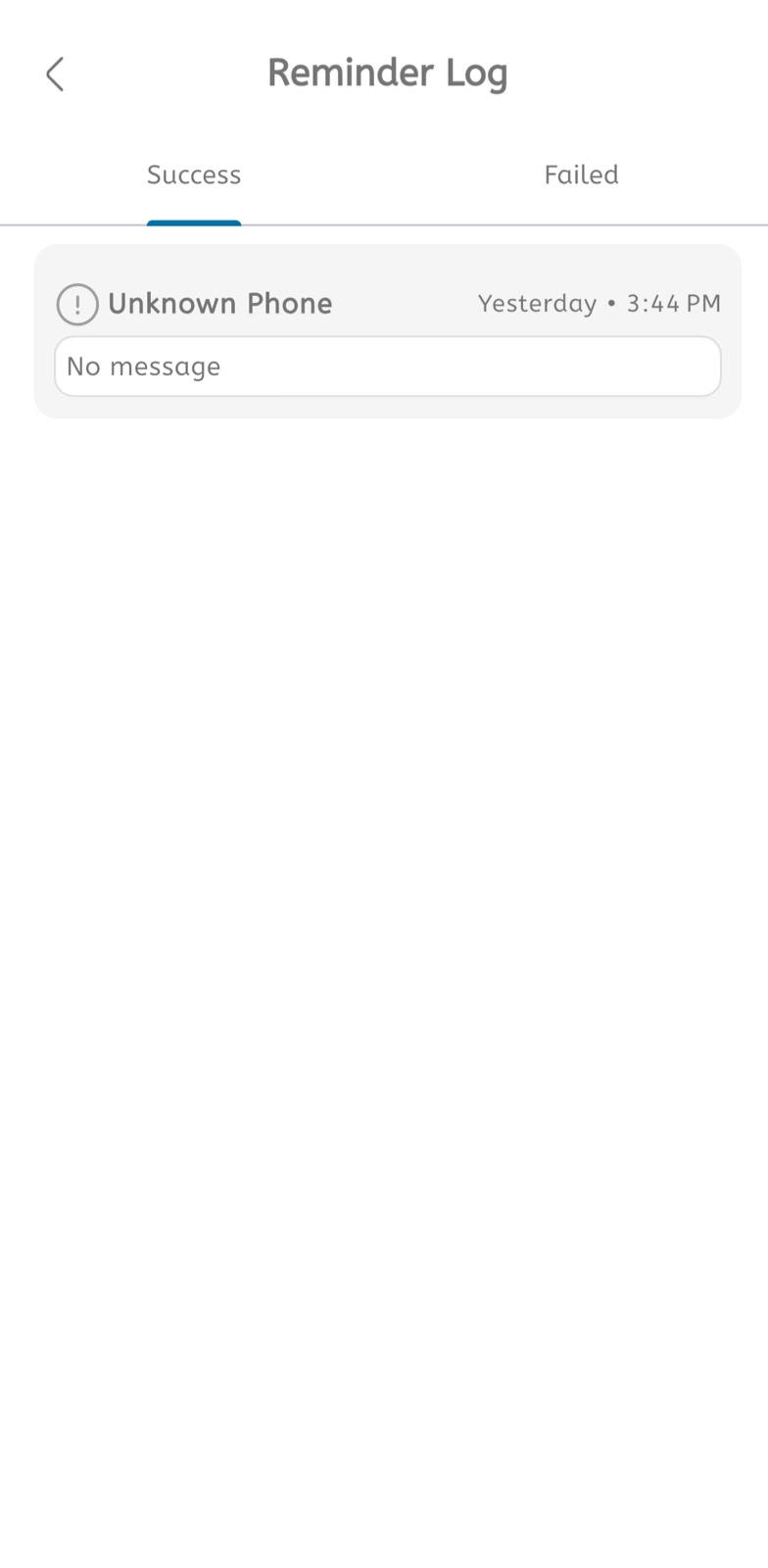
View reminder log
- Open the main menu.
- Expand System Tools.
- Tap Reminder Log.
- Use the Success tab to view successful reminder entries.
- Use the Failed tab to view failed reminder entries.
- Review the patient or phone information.
- Review the reminder message.
- Check the date and time shown on the right.
- Investigate entries that show Unknown Phone or No message.
- Update phone number, template, or message settings if reminders fail.
