Feedback
Use Feedback to submit feedback or report an issue to the Buktor team.
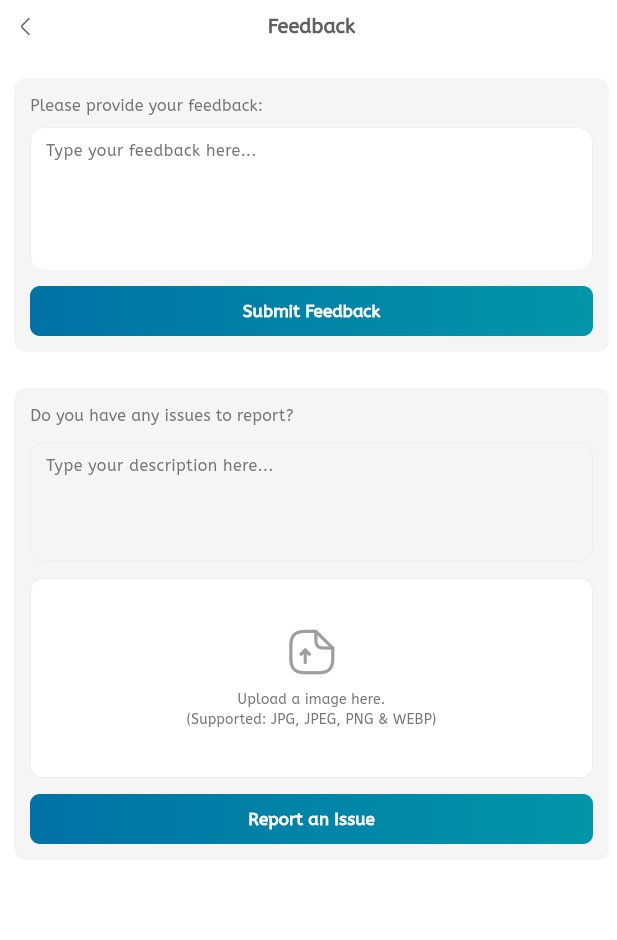
Submit feedback
- Open the main menu.
- Expand Help & Support.
- Tap Feedback.
- In Please provide your feedback, type the feedback message.
- Tap Submit Feedback.
Report an issue
- Open Feedback.
- In Do you have any issues to report?, type the issue description.
- Upload an image if required.
- Supported image types are JPG, JPEG, PNG, and WEBP.
- Tap Report an Issue.
