Notifications
Use Notifications to view in-app appointment reminders and clinic notifications.
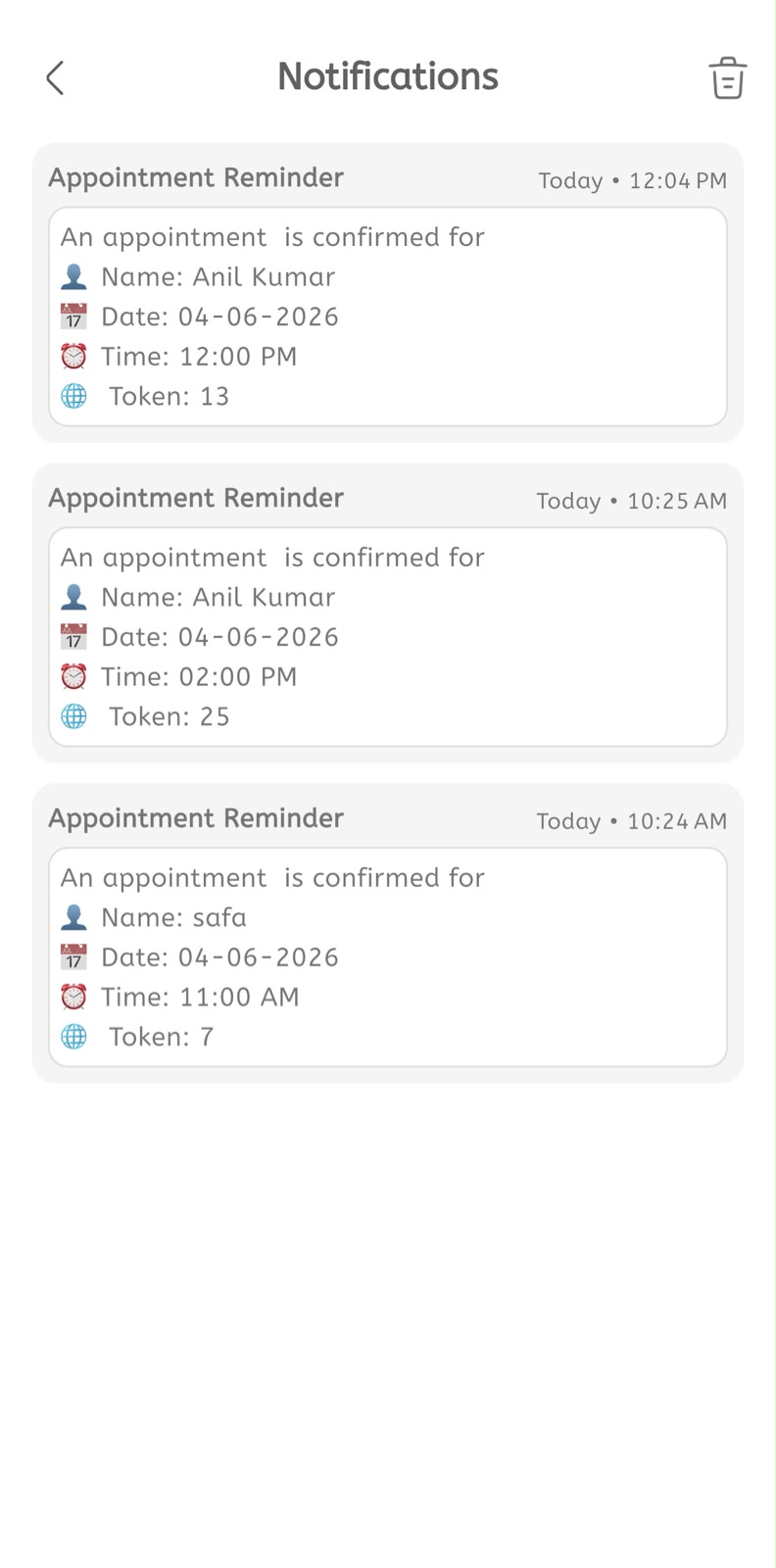
View notifications
- Open the main menu.
- Tap Notifications.
- Review the notification list.
- Check the notification title, such as Appointment Reminder.
- Check the time shown on the right side.
- Read the notification message.
- Confirm the patient name.
- Confirm the appointment date.
- Confirm the appointment time.
- Confirm the token number when shown.
- Use the delete icon to clear notifications when required.
