Contact
Use Contact to manage the contact details patients use to reach the clinic.
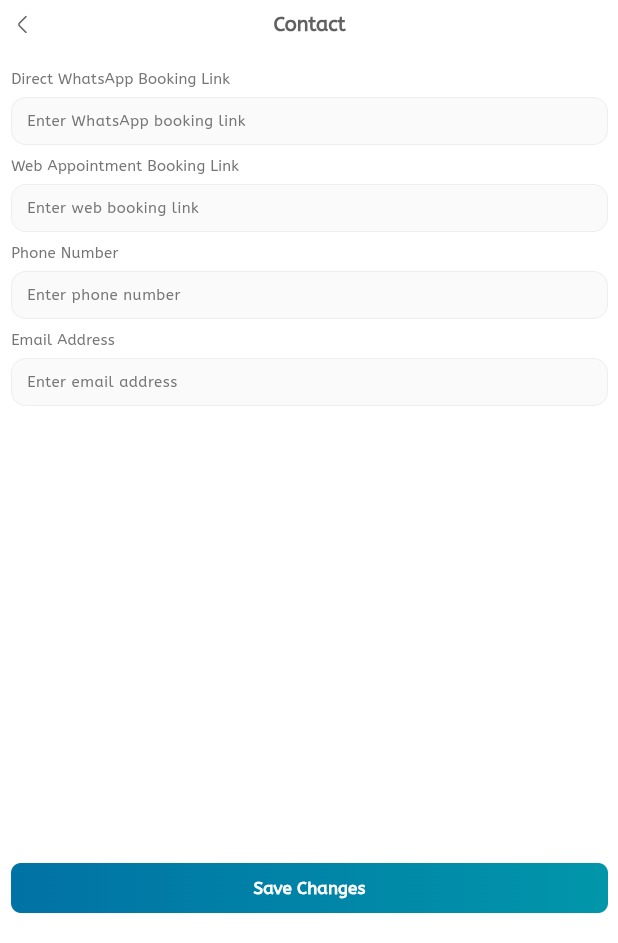
Update contact information
- Open the main menu.
- Expand Profile.
- Tap Contact.
- Review the phone number.
- Review the email address.
- Review the location or address details.
- Update any incorrect contact information.
- Save the changes.
- Confirm the updated details appear correctly on the booking profile.
