Profile
Use Profile to manage the clinic profile information shown to patients and used inside Buktor Pro.
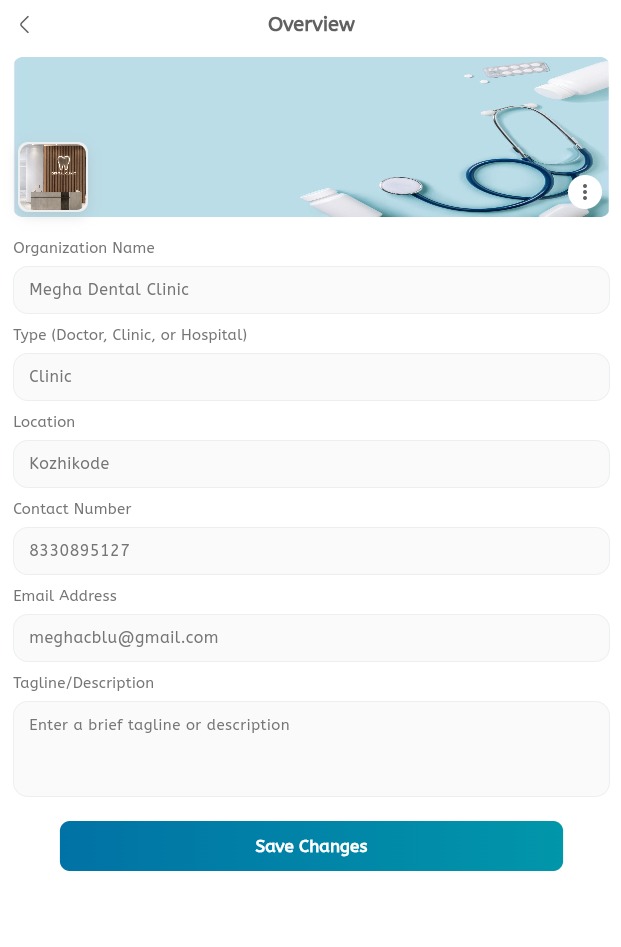
Profile menu
- Open the main menu.
- Expand Profile.
- Open Overview to review or update profile details.
- Open Specifications to manage clinic or doctor specifications.
- Open Contact to manage contact information.
- Save changes before leaving each page.
Overview
- Review the clinic or doctor profile.
- Update profile details when required.
- Confirm the profile image or display name.
- Save the changes.
Specifications
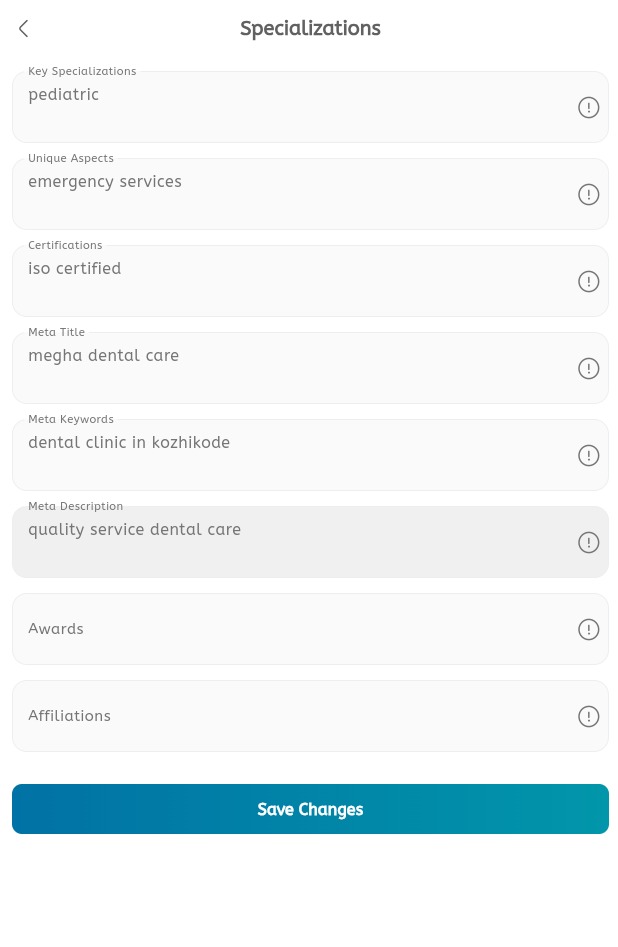
- Open Specifications from the Profile menu.
- Review the existing specifications shown for the clinic or doctor.
- Add or update specification information when required.
- Remove outdated specifications when they should no longer appear.
- Save changes.
Contact
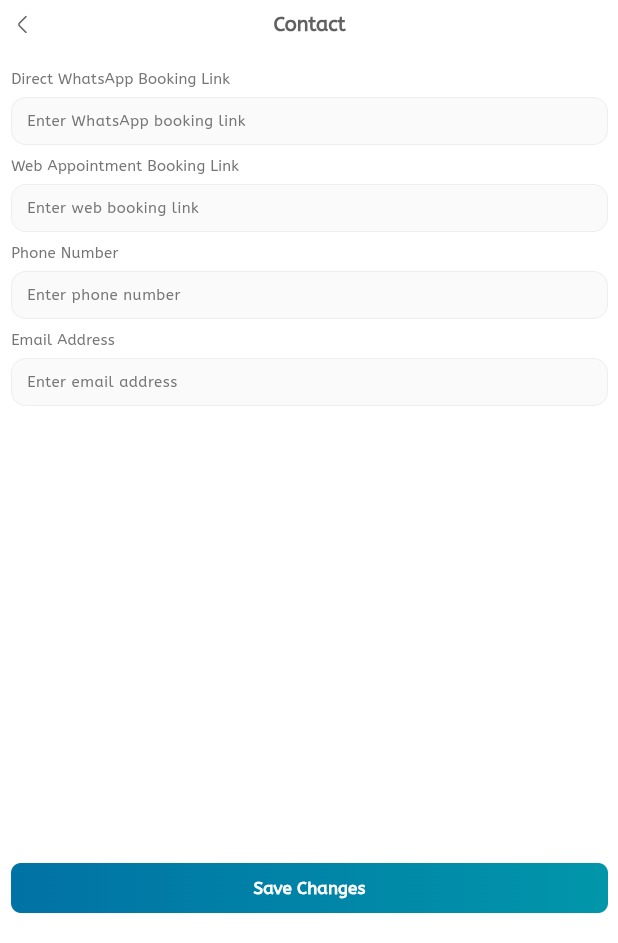
- Open Contact.
- Review phone, email, and address details.
- Update contact information when required.
- Save changes.
