Patients
Use Patients to view and manage patient records created through appointments, walk-ins, calls, WhatsApp, or web bookings.
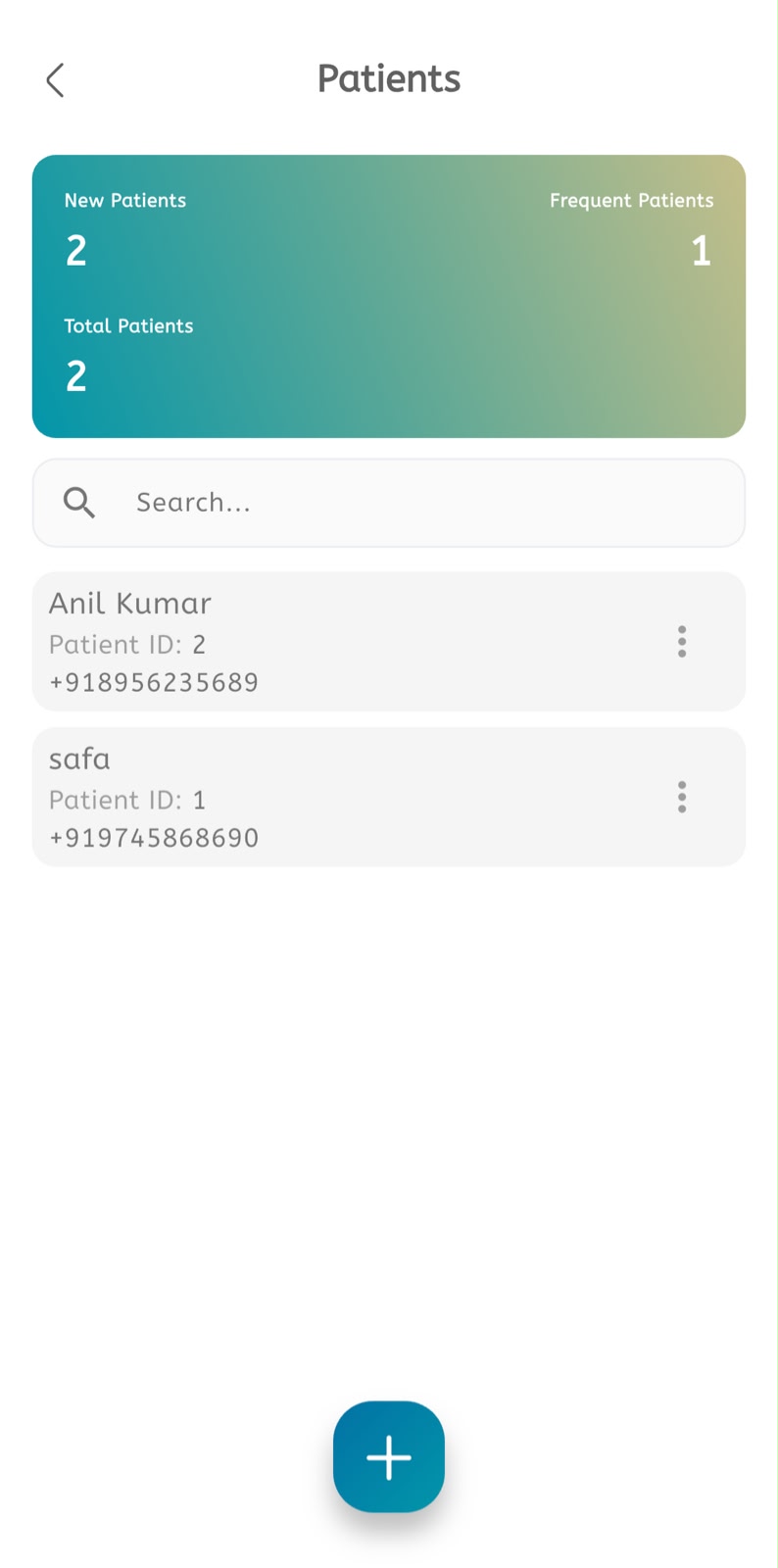
Manage patients
- Open the main menu.
- Tap Patients.
- Review the patient list.
- Use search to find a patient by name or phone number.
- Open the patient record.
- Review profile details.
- Review contact information.
- Review appointment history.
- Update patient details if required.
- Add notes or additional information when available.
- Save the changes.
Select an existing patient during booking
- Open Create Appointment.
- Select Existing Patient.
- Search and select the patient.
- Confirm the appointment date.
- Confirm the time slot.
- Confirm the service and appointment mode.
- Tap Create.
