Specifications
Use Specifications to manage the clinic or doctor specifications shown in the profile.
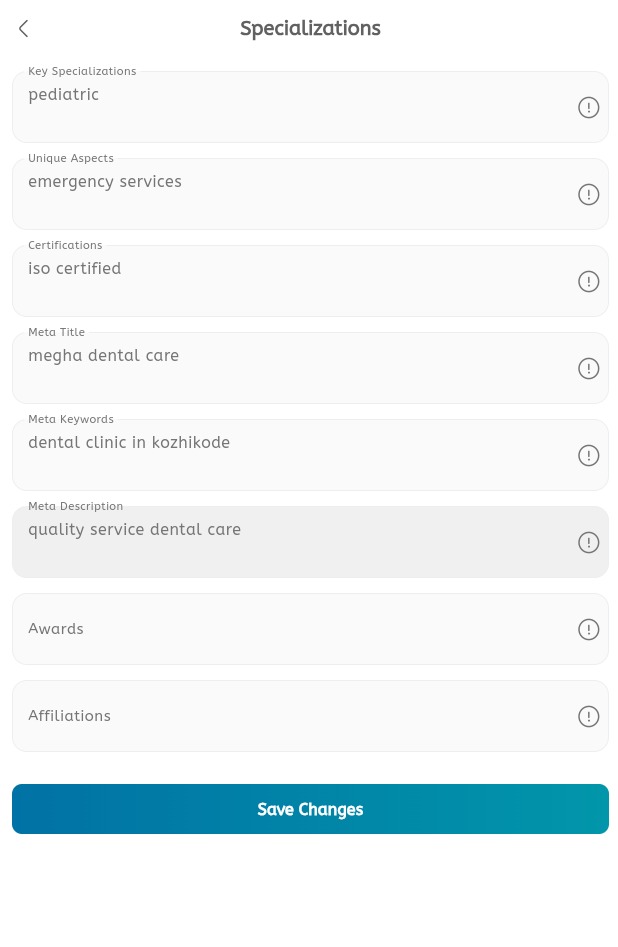
Manage specifications
- Open the main menu.
- Expand Profile.
- Tap Specifications.
- Review the existing specifications list.
- Tap Add or the + button when a new specification is needed.
- Enter the specification name.
- Add a description if the field is available.
- Save the specification.
- Edit a specification when the wording changes.
- Delete outdated specifications when they should no longer appear.
