Sign In to Buktor Pro
Access your Buktor Pro account by signing in with your credentials.
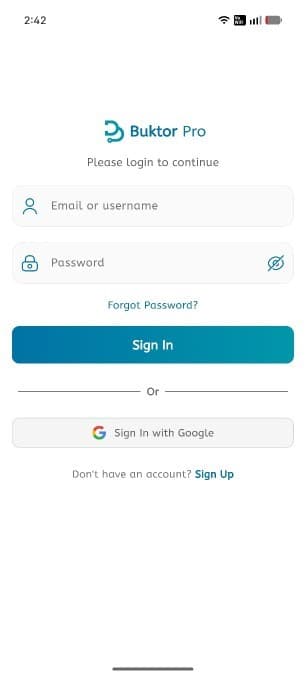
Sign In Instructions
- Enter your Email or Username.
- Enter your Password. Use the eye icon to toggle password visibility.
- If you've forgotten your password, tap 'Forgot Password?' to recover it.
- Tap the 'Sign In' button to access your account.
Alternative Sign In Options
- Use 'Sign In with Google' for a quick sign-in experience with your Google account.
Account Creation
If you do not have an account yet:
- Tap 'Sign Up' to register and start using Buktor Pro.
By signing in, you agree to the app's Terms of Service and Privacy Policy.
