Late Arrivals
Use Late Arrivals when the doctor or clinic starts later than the planned schedule.
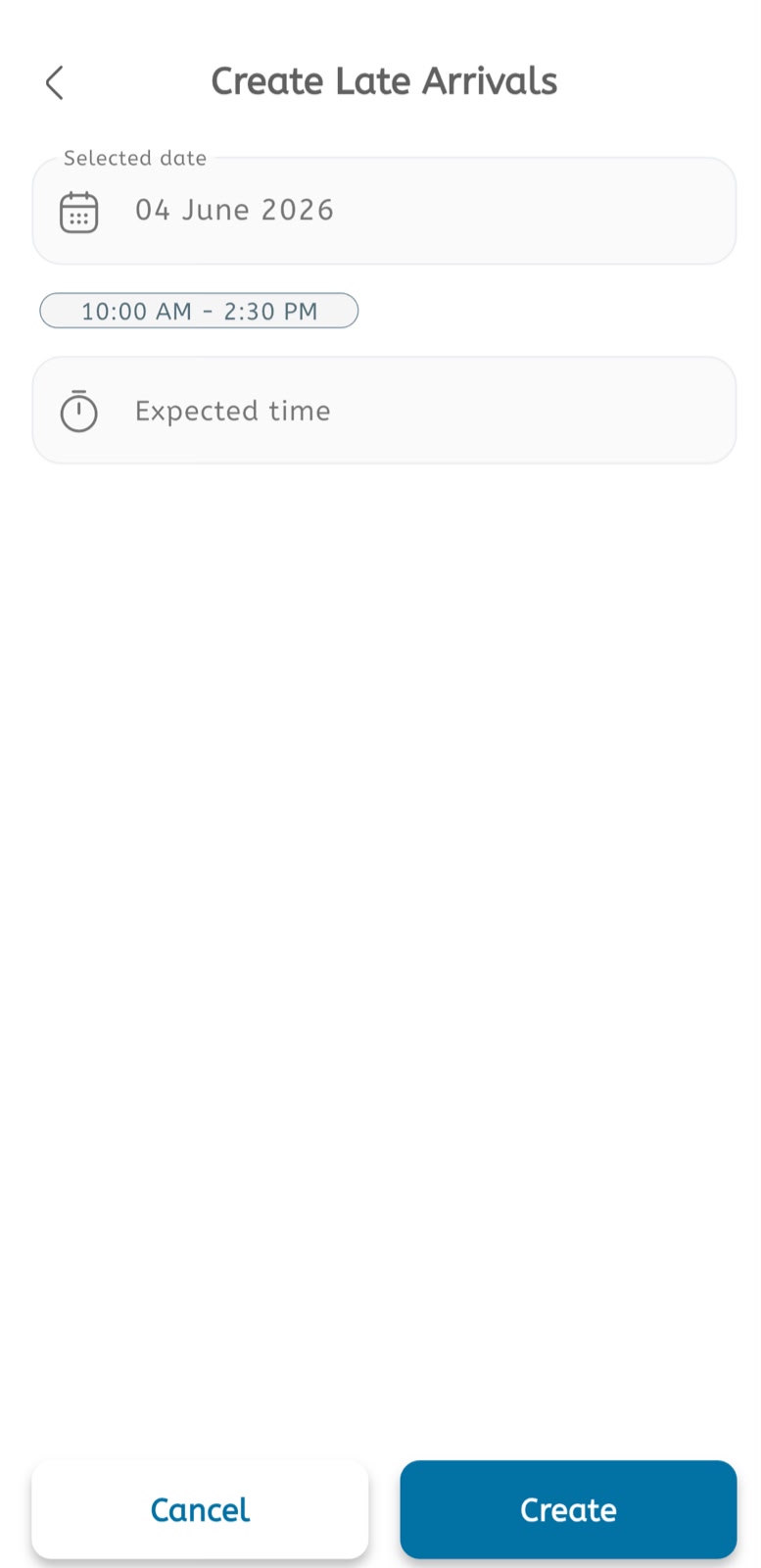
Create a late arrival
- Open the main menu.
- Expand Calendar.
- Tap Late Arrivals.
- Tap the + button or open Create Late Arrivals.
- Confirm the Selected date.
- Review the affected time range shown below the date.
- Tap Expected time.
- Select or enter the expected arrival time.
- Review the date, time range, and expected time.
- Tap Create to save the late arrival.
- Tap Cancel to leave without saving.
Use late arrivals
- Add a late arrival before the clinic starts or when a delay is confirmed.
- Use it to adjust appointment expectations for the selected day.
- Notify patients using the configured message or notification settings when required.
