Activity Log
Use Activity Log to review system and user actions.
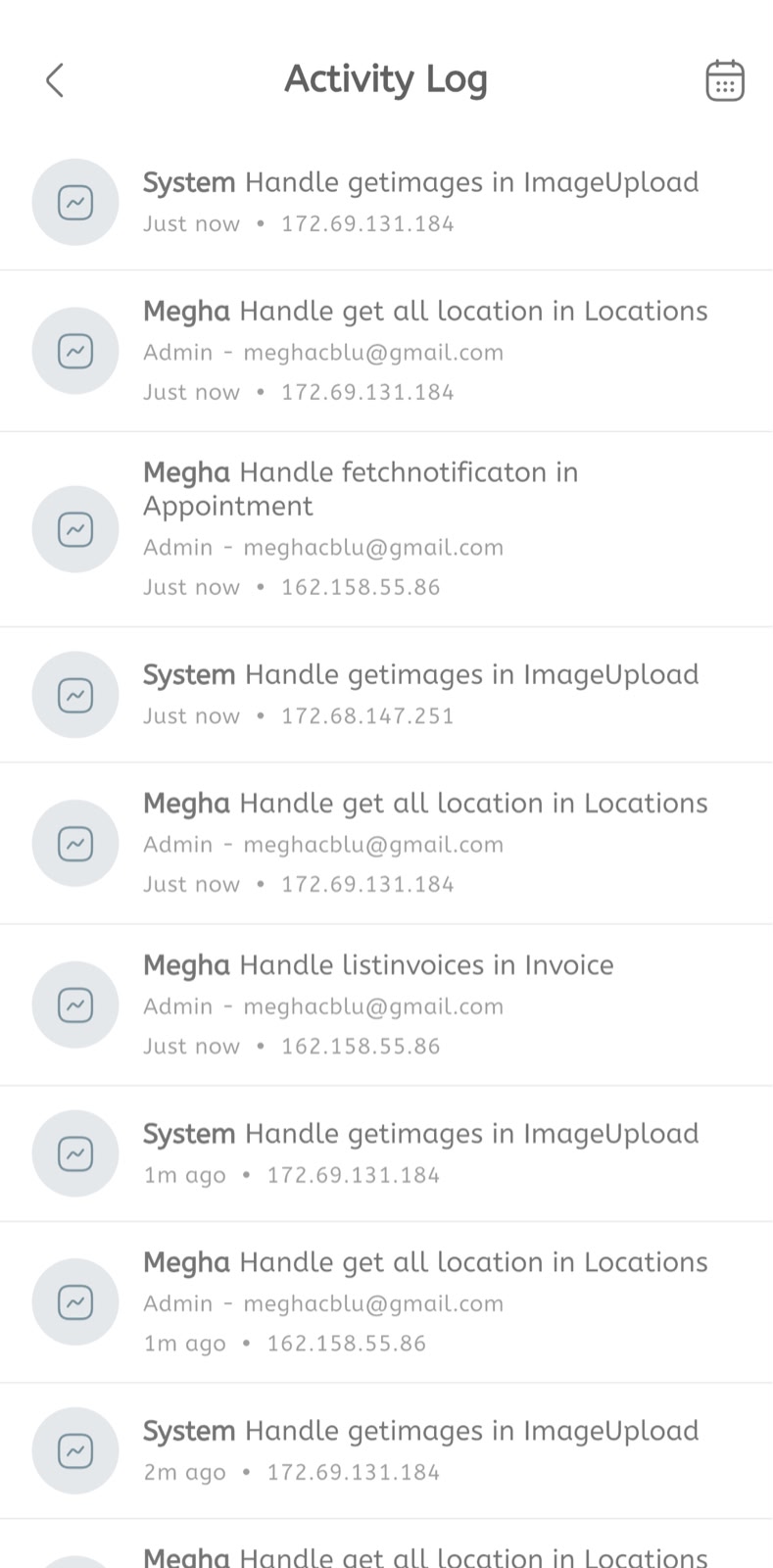
View activity log
- Open the main menu.
- Expand System Tools.
- Tap Activity Log.
- Review the latest activity entries.
- Check whether the action was performed by System or a named user.
- Review the action description, such as image upload, location fetch, notification fetch, or invoice listing.
- Check the user role and email when shown.
- Check the timestamp.
- Check the IP address.
- Tap the calendar icon to filter activity logs by date when needed.
